Smart Home Categories: A Complete Overview of Solutions
A complete overview of smart home categories: security systems, lighting automation, climate control, multimedia, and energy efficiency. How modern technologies and scenarios make your home smarter, safer, and more efficient.

Introduction
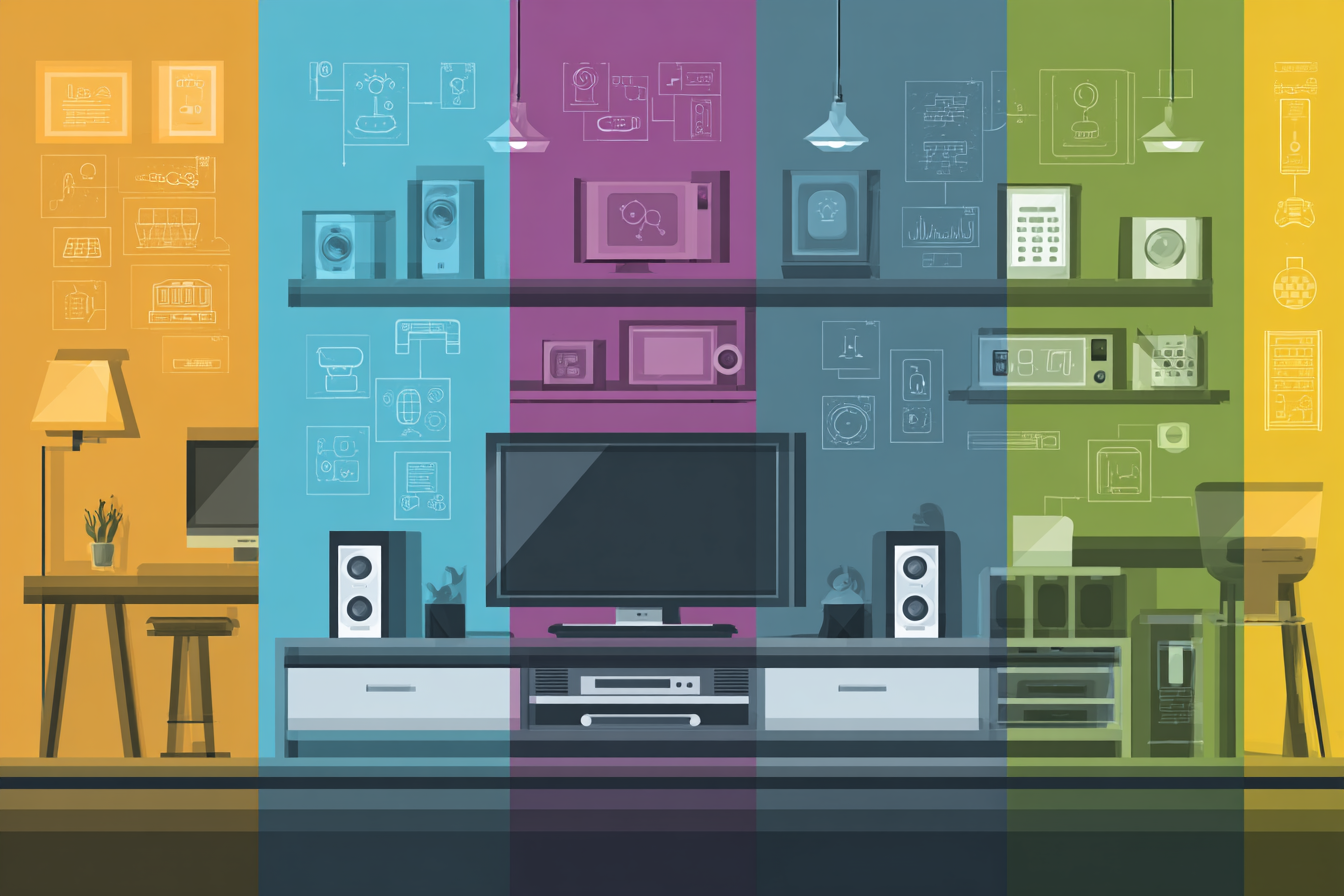
A smart home is not just a set of smart bulbs or a camera at the entrance. It is a complete system where devices, sensors, and software work together as a unified ecosystem.
To avoid getting lost in an endless list of features, we structured the smart home into categories. Each category includes business scenarios — high-level tasks or areas of application. Each business scenario, in turn, includes automations — specific system actions that solve those tasks.
The categories, business scenarios, and automations are designed not to overlap, while together providing a complete picture of capabilities. This approach helps plan implementation, expand the system step by step, and ensure compatibility across all components.
In this article, we explore the key areas that form a functional, reliable, and user-friendly smart home. Think of it as a “map” of possibilities. In future articles, we will break down each category in detail with real automation scenarios.
Category Map
- Security and access control — 7+ business scenarios and 40+ automations. Includes home security, video surveillance, access control, face recognition, and presence simulation. Example: automatically turning on floodlights and sending a Telegram notification when motion is detected near the house.
- Protection from household risks — 3+ business scenarios and 15+ automations. Systems for water leaks, fire, and gas detection with automatic response. Example: shutting off the water supply when a leak sensor is triggered, with a notification sent to the owner.
- Climate control and comfort — 12+ business scenarios and 60+ automations. Heating, air conditioning, ventilation, curtain control, underfloor heating, and wake-up scenarios. Example: automatically lowering heating temperature at night to save energy.
- Lighting and light scenarios — 2+ business scenarios and 10+ automations. Lighting control, brightness and color temperature adjustment, automation based on time and ambient light, lighting scenes. Example: automatically turning on lights when entering a room in the dark.
- Cost tracking and energy efficiency — 5+ business scenarios and 25+ automations. Monitoring electricity, gas, and water consumption, solar panel integration, energy-saving scenarios. Example: turning off decorative lighting and media systems when consumption exceeds a set limit.
- Multimedia and entertainment — 2+ business scenarios and 10+ automations. Control of TVs, audio systems, multi-room music, and integration of media into broader scenarios. Example: dimming lights and closing curtains automatically when starting a “Movie” scenario.
How to Choose Priorities
The starting point depends on the goals of a household or business. For some, security is the top priority; for others, comfort or cost savings matter more.
- Security: cameras, motion sensors, access control, and remote alerts
- Comfort: climate automation, lighting control, “morning” and “evening” scenarios
- Efficiency: energy monitoring, solar integration, delayed appliance operation
A good approach is to start with “quick wins” that provide immediate value (for example, a “Leaving Home” scenario that turns off all lights with one command), and then move to infrastructure-level tasks (such as climate control based on tariffs and weather, or a centralized security system).
Cross-Category Scenarios
Categories rarely work in isolation — the real power comes from combining them:
- Leaving home — the system activates security mode, turns off unnecessary lights, reduces heating, and sends a notification about doors and windows.
- Returning home — gates open, hallway lights turn on, your favorite playlist starts, and a comfortable temperature is set.
- Night mode — dimmed lighting, enhanced access control, non-essential outlets turned off, quiet notification mode.
- Energy saving — climate and appliances operate in optimal mode based on solar generation and energy tariffs.
Mini FAQ
Can the system be expanded gradually?
Yes, most modern solutions allow you to start with basic features and expand over time.
What about reliability and support?
With proper setup, a smart home operates autonomously, and remote support with backup scenarios helps avoid failures.
How to avoid over-automation?
Introduce automations gradually, testing convenience and relevance for all users.
What’s Next?
In the following articles, we will take a deeper look at each smart home category, with real automation examples and practical use cases.